YouTube Creators
Community Tab For Viewers By The Viewers
PROJECT OVERVIEW
This case study aims to analyze an existing mobile app to implement a new feature in an unexplored design space. This feature is intended to develop a compelling design solution which aligns with current branding.
YouTubers, as content creators, are the essential backbone to the major popularity of the platform.
The long-term growth of content creators is very important as well as their relationship with their viewers. However, how viewers engage with their favorite Youtubers on the platform isn’t perfect. Users can find connecting with their favorite YouTubers to be particularly difficult.
The major design challenge is to address this gap to improve user interaction on the platform: The Community Tab.
Timeline:
4 months, Fall 2023
Role:
UX Designer
Skills & Tools:
Interaction Design, User Research, Prototyping, User Testing
Team:
Independent as Solo Designer
The Community Tab is a YouTube channel feature which allows creators to interact with their viewers with a variety of posts, with creators being able to create posts for their audience.
However, when trying to experiment with this feature, I identified three possible opportunities in the design space for viewers:
Why Does The Community Tab Lose Impact with Viewers?
How Are Online Communities Created On Other Platforms?
Users are capable of creating memorable, personal interactions within their cliques. Identifying the features which encourages user interaction helps to find possible solutions to improve user experience.
I analyzed three major competitors for my market research to better understand how online platforms encourage users to build communities. My main goal was identifying key features and possible opportunities in the problem space.
Market Research
Poor Visibility
Viewers rarely see new posts from creator's community tab between watching videos

Limited Engagement
Only YouTubers can make posts with users only engaging in the comments section

Interrupts User Flow
Viewing posts from this features interrupts finding videos to watch; jarring flow between home and subscription feed




Social forums where users connect over shared interests
Voice communication platform with user-created servers
A collaborative workplace app for businesses and organizations
Discord
Slack

Social feed through forums catering to different user interests
Customizable user profiles for easier navigation across multiple forums
Subreddits as user generated & user moderated forums for shared community niches
Upvotes as positive feedback for engagement
Community members create posts with approval from moderators

Private user made servers to connect with members
Text & voice channels for communicating
Screen sharing & live streaming for additional socializing
Customizable user profiles for easier navigation across multiple servers
Private channels for professional settings to connect with other users
Supports multi-platform with other social media apps
Text-only communication only channel creators & moderators can create new channels
Customizable user profiles for easier navigation across multiple servers
Feature Comparisons
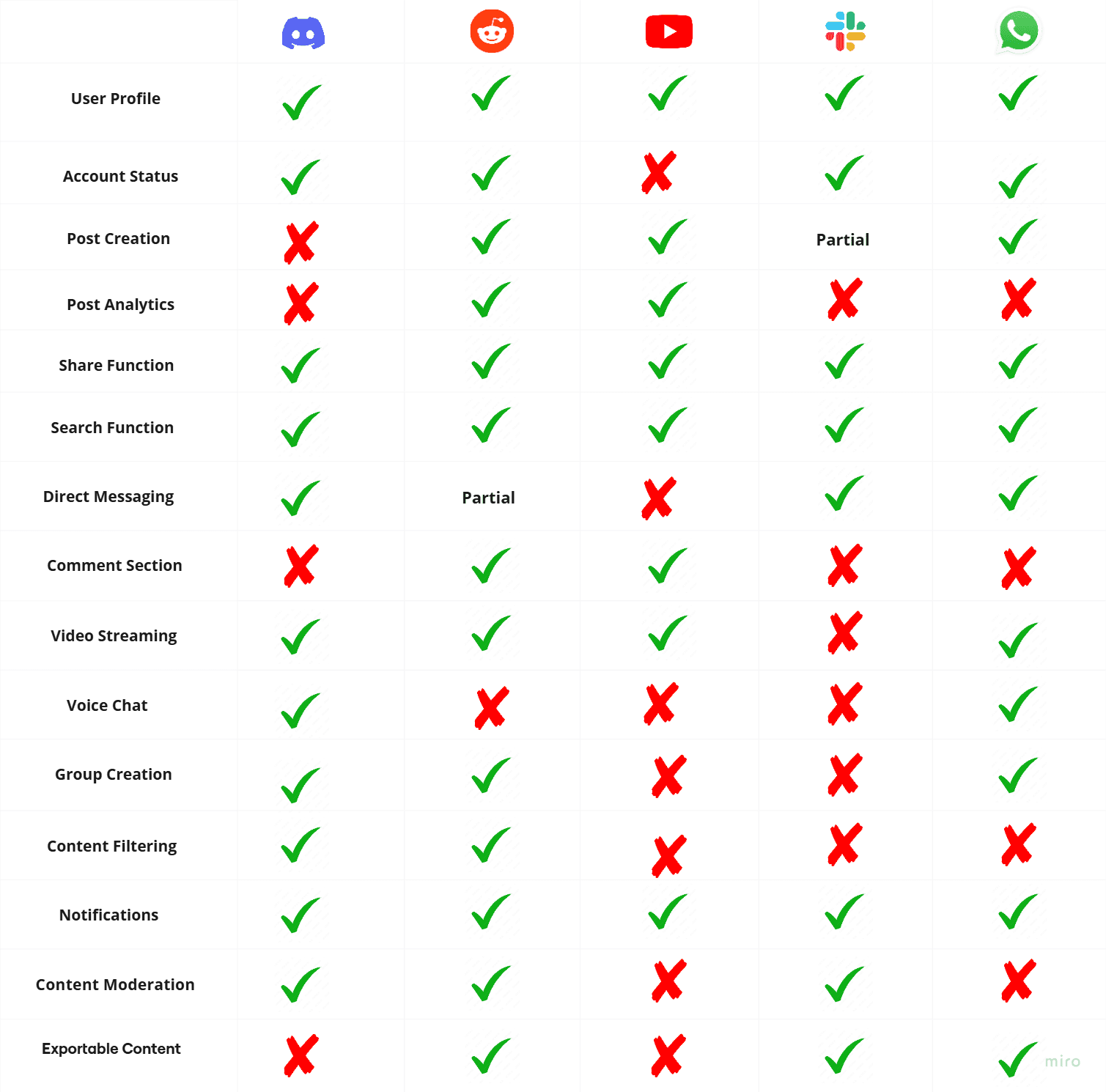
Building on my market research, I developed a feature comparison model to further my insights from the app comparisons to the YouTube Community Tab. I noted a major lack of usability features compared to other competitors:
The Community Tab is missing notable features for navigation and visibility which would help streamline the user experience for creating niche groups, individual posts, and finding new communities.
User Research
After conducting the market research, I conducted 5 semi-structured interviews to better understand the user needs on the YouTube app. Each participant has frequently used YouTube as long time viewers and previous experiences with other social media apps.
These interviews were crucial to understanding both user motivations and user flow for watching videos, subscribing to content creators to support their channel, and interacting with their favorite content. Here are the major takeaways from their responses:
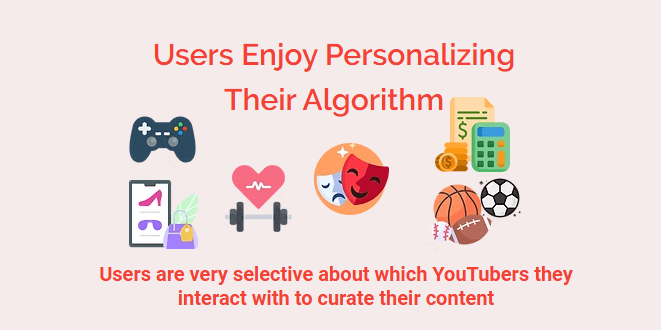
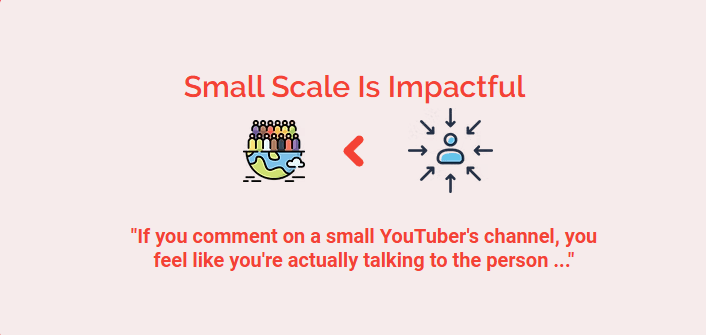
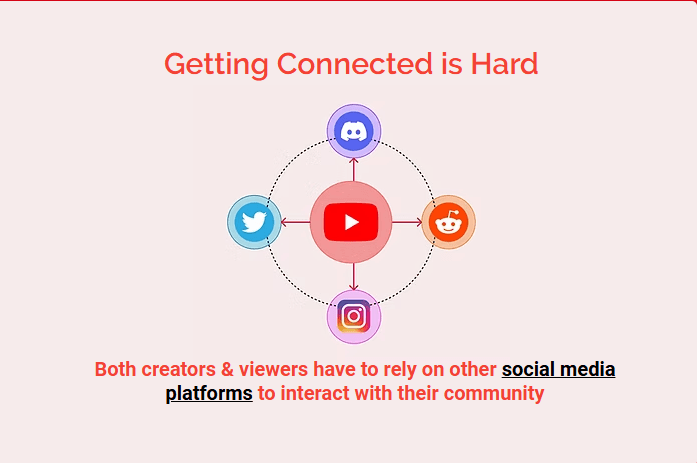


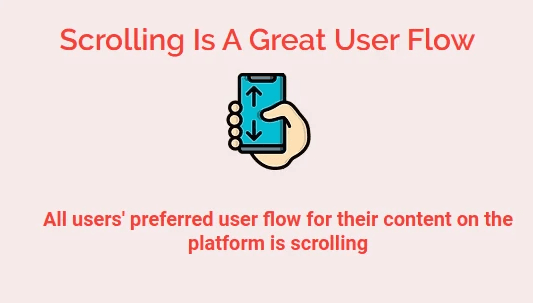
What Is The Problem: The User Problem
After multiple rounds of user interviews, I was able to identify three main issues connecting with their preferred content creators was particularly difficult, especially with the community tab
IDEATION
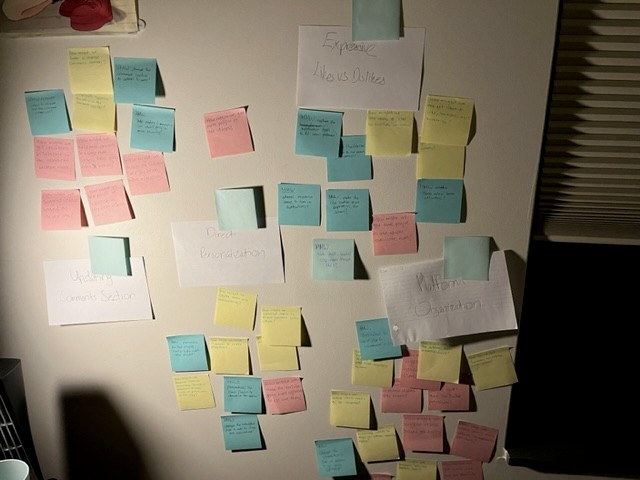
After developing my problem space, I engaged in multiple rounds of brainstorming to iterate on possible solutions to address these user needs.
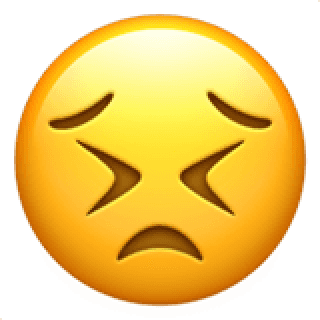
Users get confused
Trying to engage with the Community Tab between watching videos
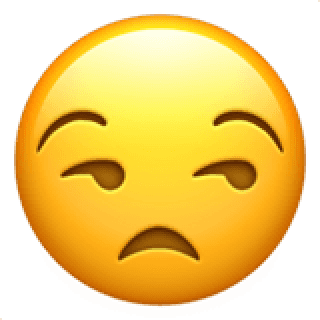
Users are annoyed
With having to rely on other social media platforms to connect
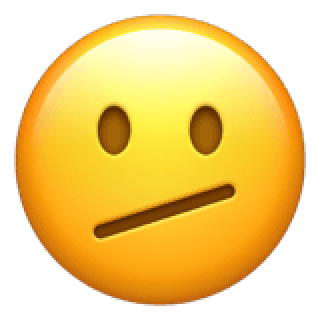
Users feel discouraged
From leaving comments on videos for large content creators
How Might We:
Make navigation to the community tab easier while scrolling?
How Might We:
Make it easier for users to interact with their preferred communities?
How Might We:
Help both users & creators create exclusive posts within their audience?
WIREFRAMES
Low-Fidelity Concept Ideation
Workflow
Medium Fidelity
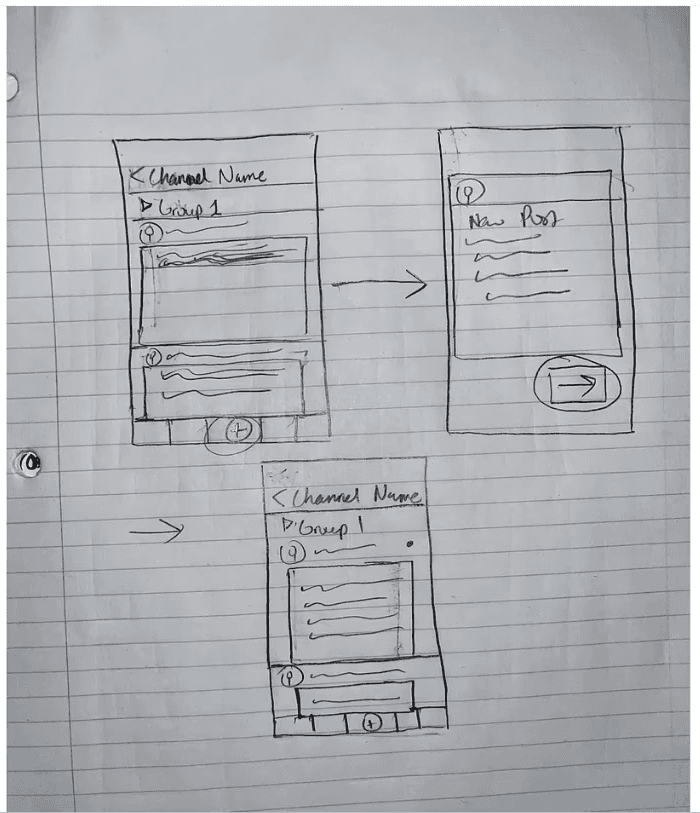
I created sketch ideations for the low fidelity prototype using paper sketches for rapid iterations. The community tab feature should encourage user interaction within their preferred channels.
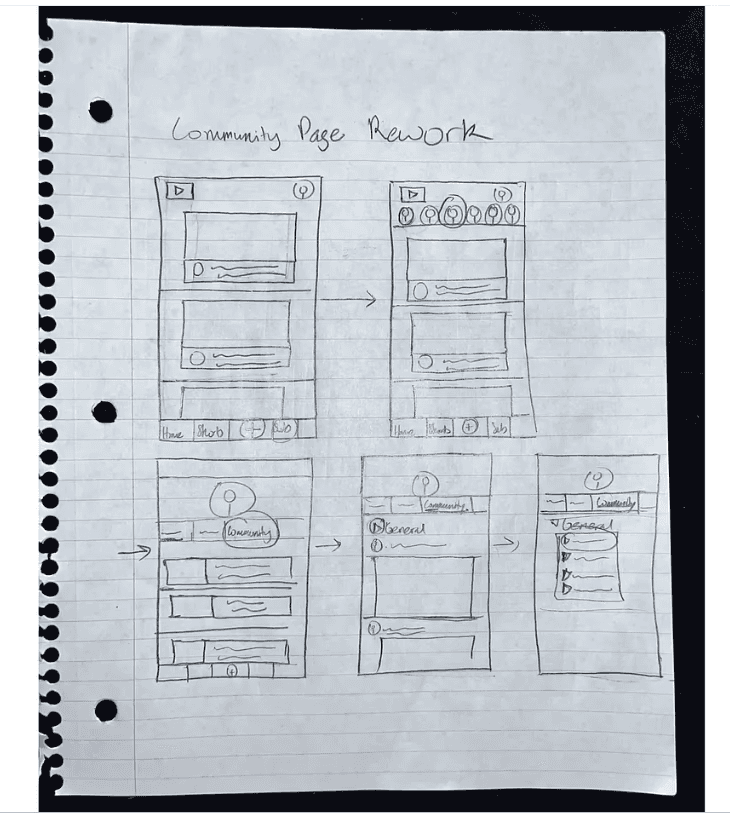
The majority of the community tab’s content requirement already exists on the platform. Utilizing the same elements provides immediate familiarity for the user. The new elements such as subgroup profile picture, subgroup selection, and community icon provide quick access to viewing preferred content:
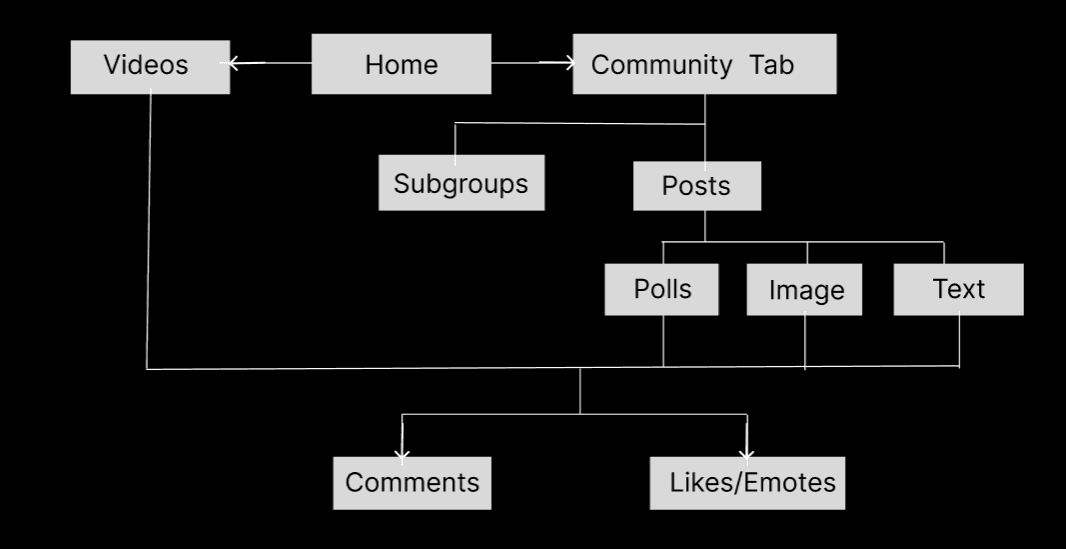
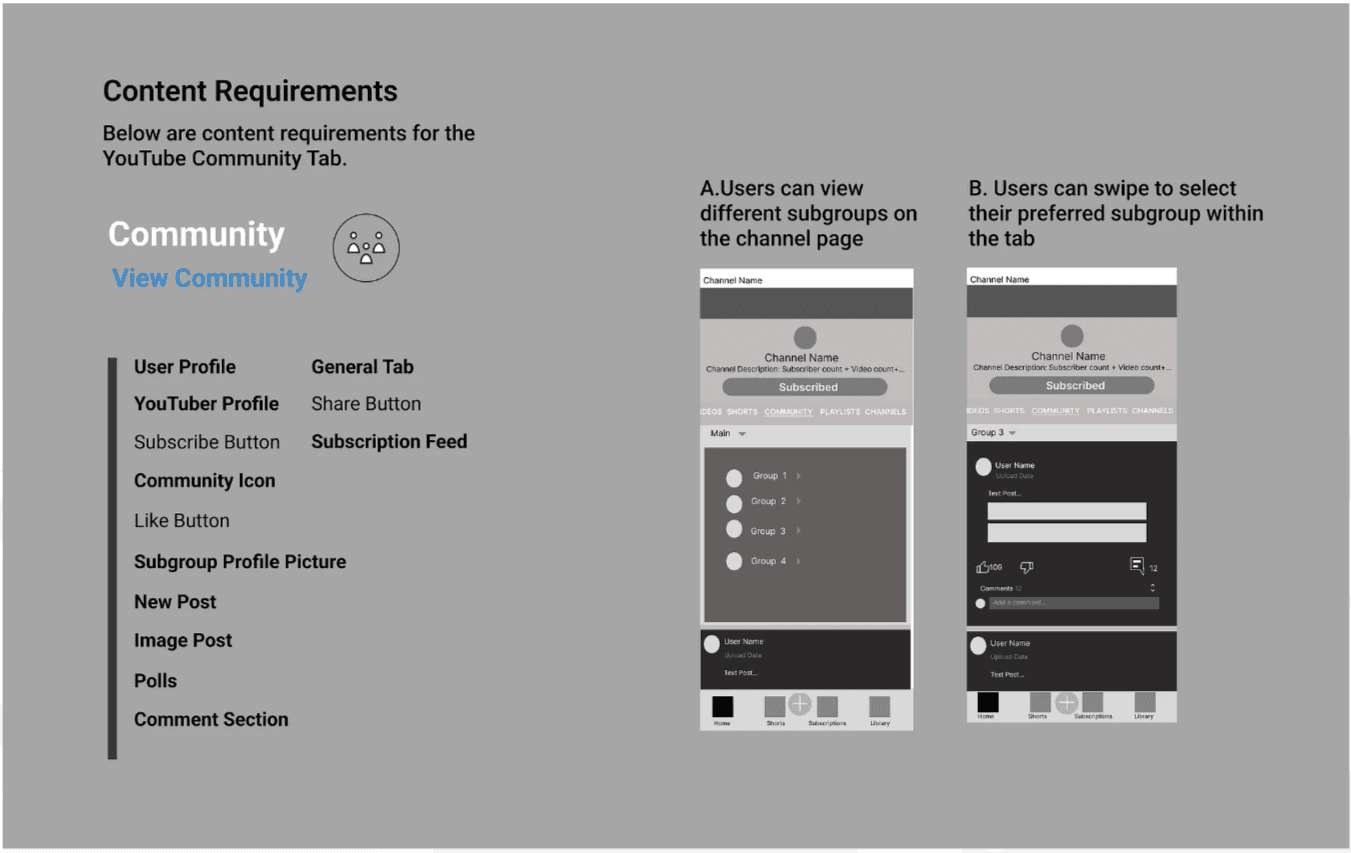
Viewers as subscribers can view community posts from their favorite channels
Both viewers and content creators can create community posts within subgroups
The Final Design
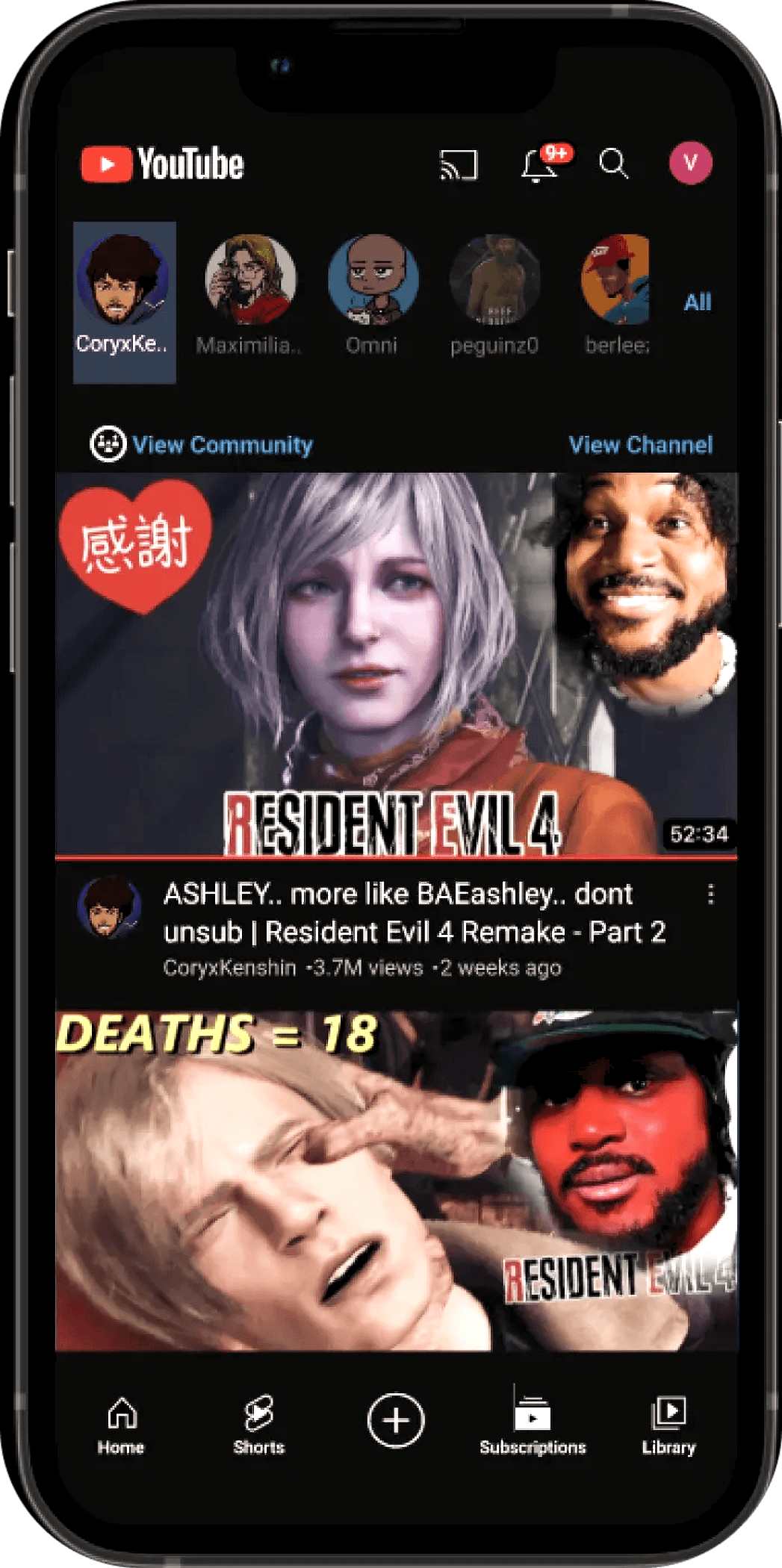
View your favorite YouTube channels & their community posts from your subscriptions
Using the new View Community option, users can quickly view their preferred subgroups for new posts from their subscription feed
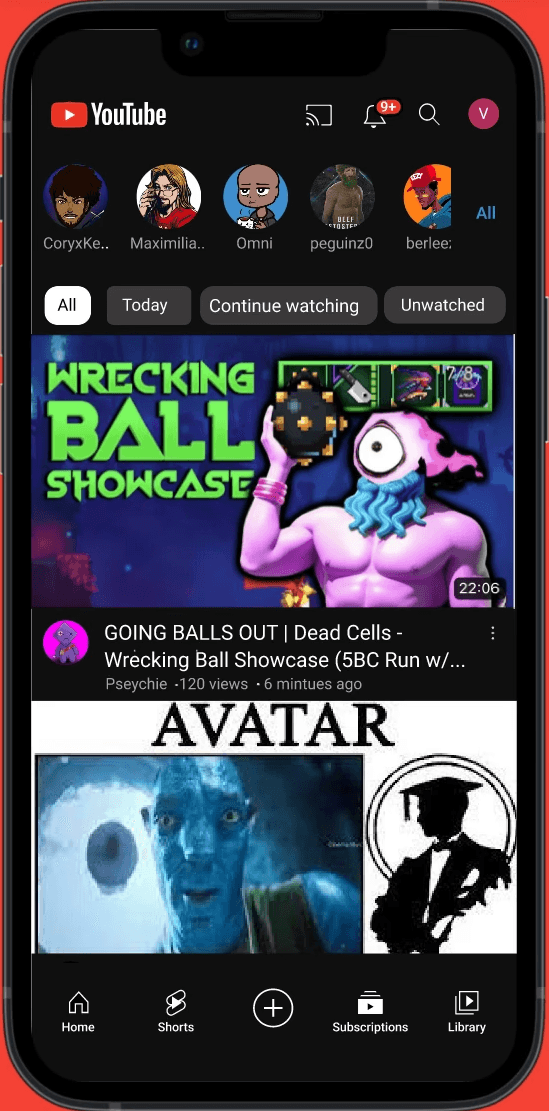
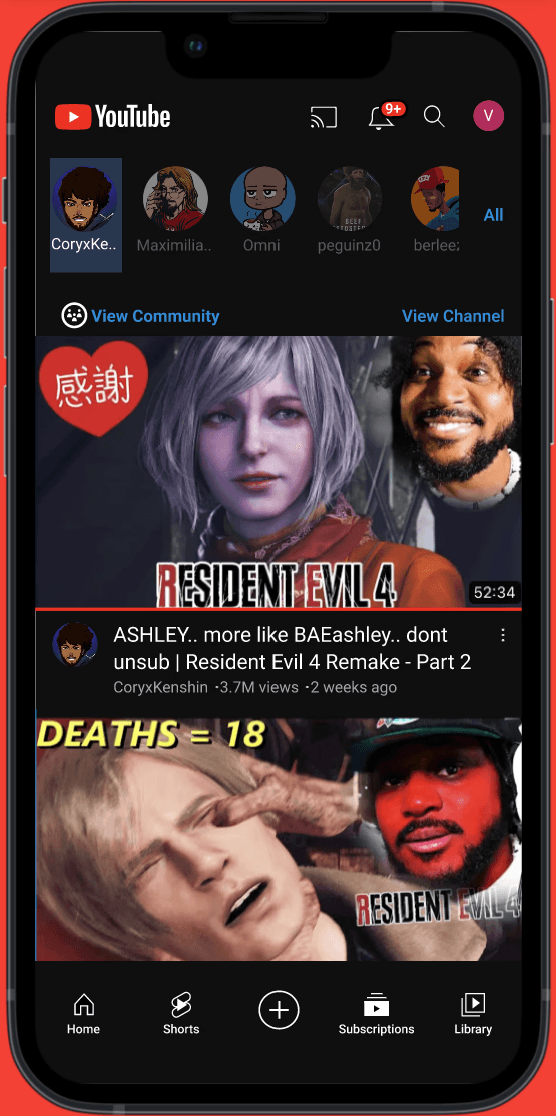
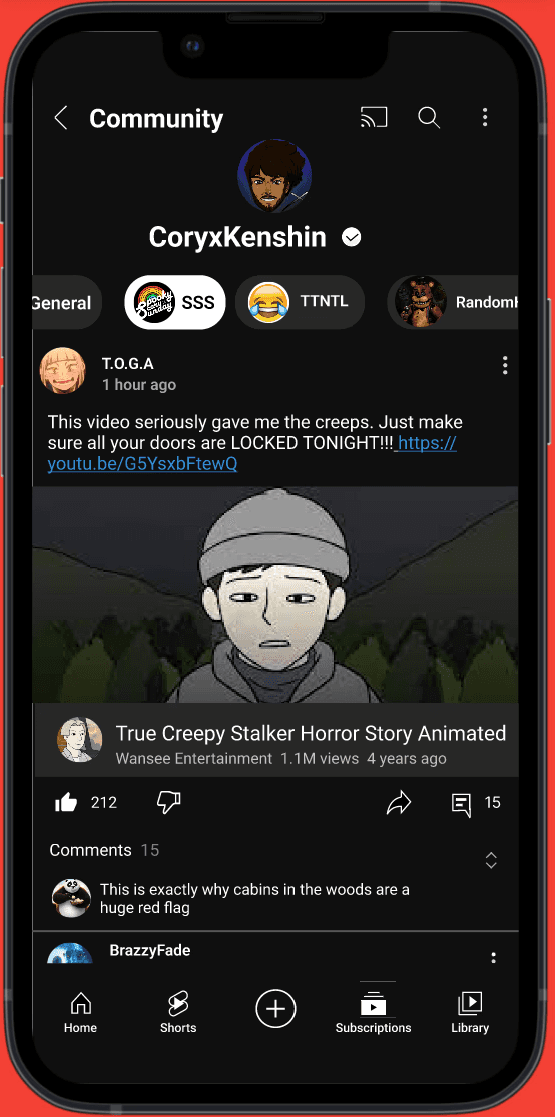
As I wrapped up the design process, I was finally able to proceed with my high-fidelity prototype for the new Community Tab feature on YouTube app. It was important to keep the design elements as consistent as possible with the current branding to properly rate the user flow.
I created a high-fidelity prototype to simulate the overall experience, for both scrolling and as a subscriber, through user testing. The user testing was vital to getting feedback about the overall functionality and user flow with the new feature.
High Fidelity
View New Community Posts By Scrolling
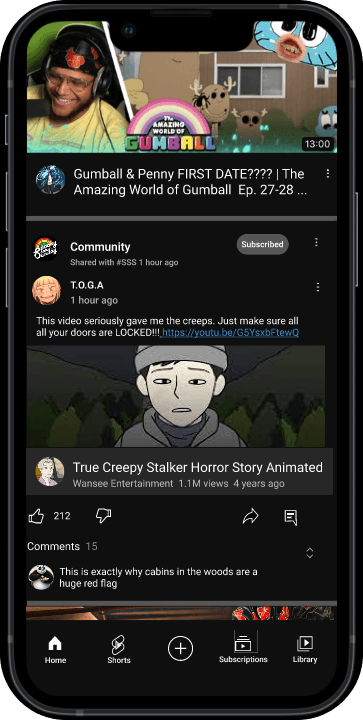
From the home screen, users can visit new posts from their favorite communities while scrolling
It's easy to miss a post in the community tab, especially while scrolling for funny cats..
View new post from your favorite communities with a quick tap of your finger!

Create posts within your communities with fellow viewers or favorite YouTubers
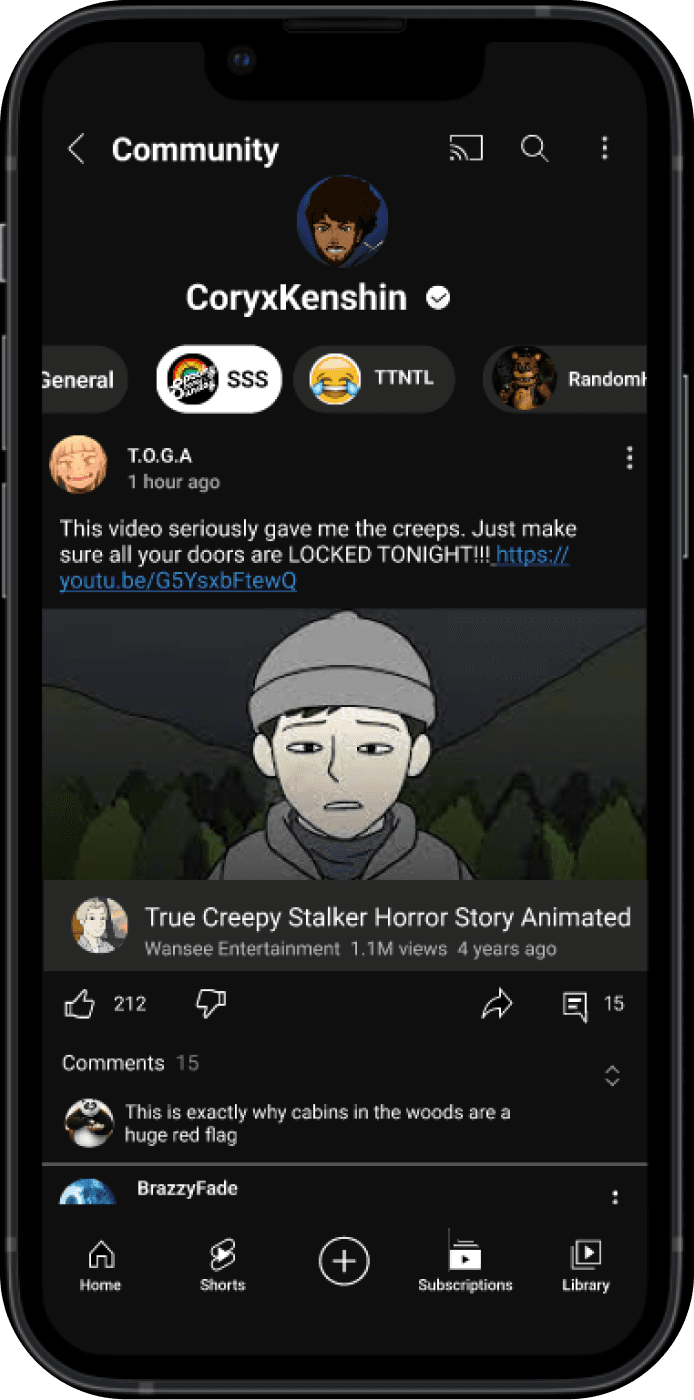
Want to make your mark within the fanbase? Make a post to share with other viewers in your community. A great way to connect with your favorite content creator and other fans alike!
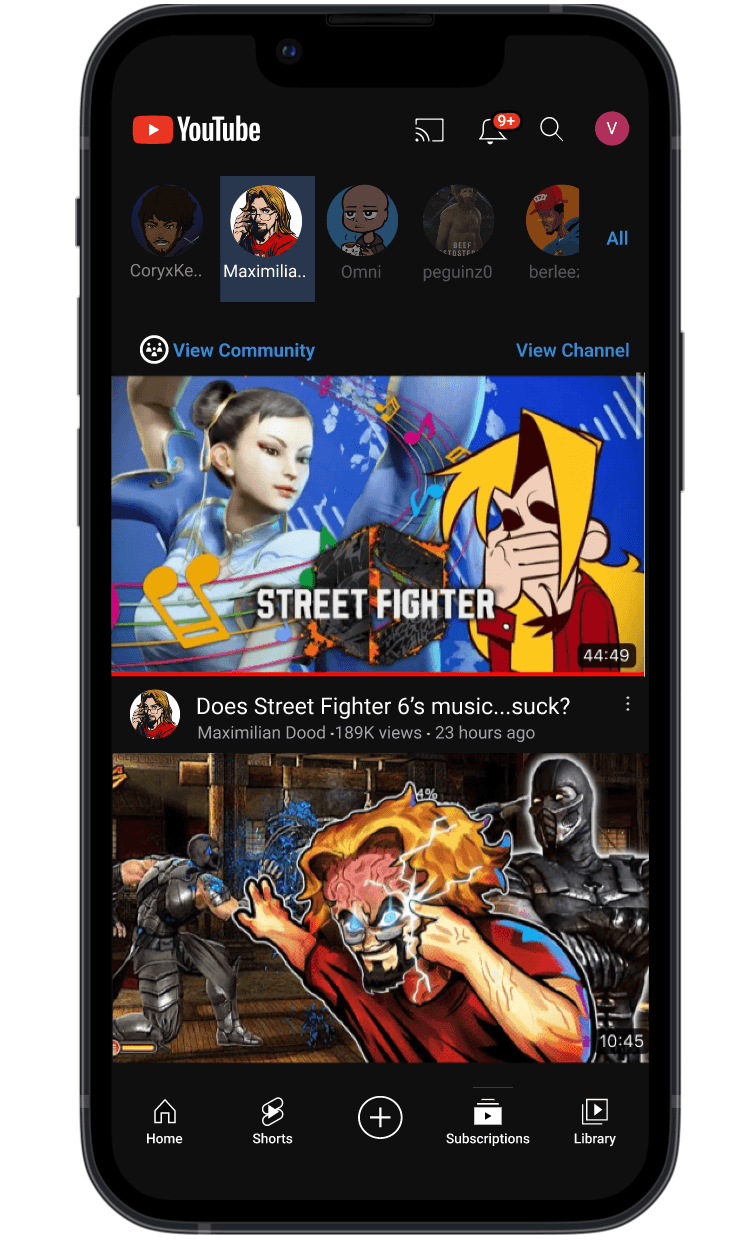
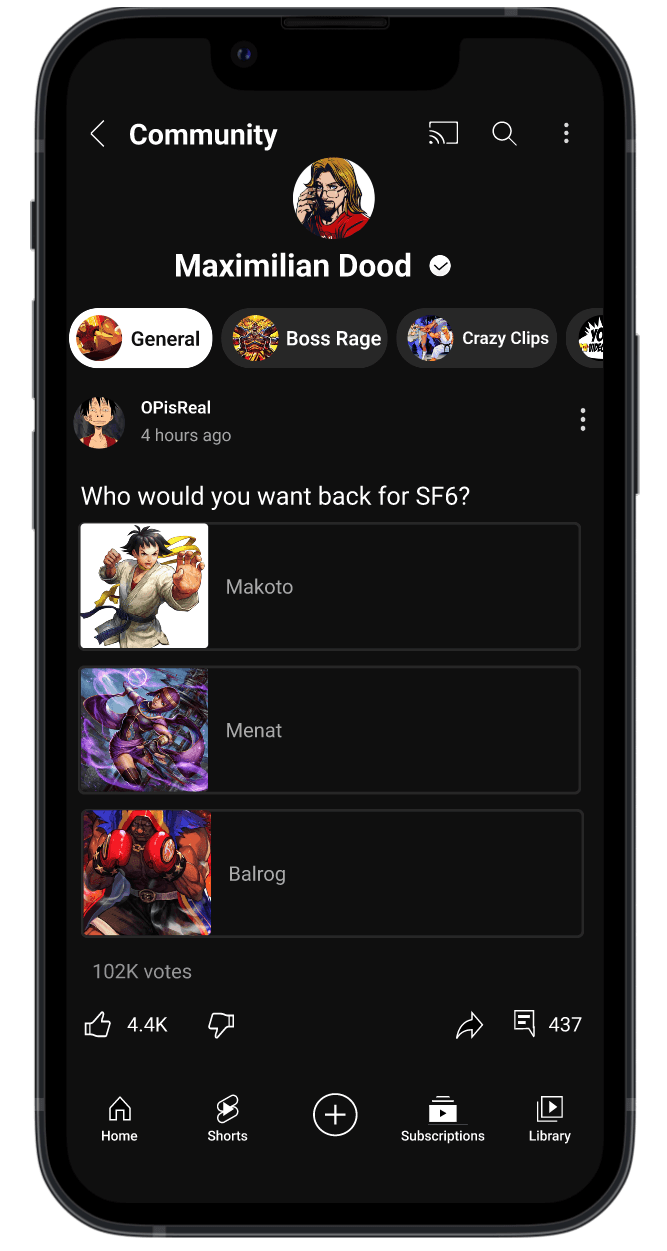
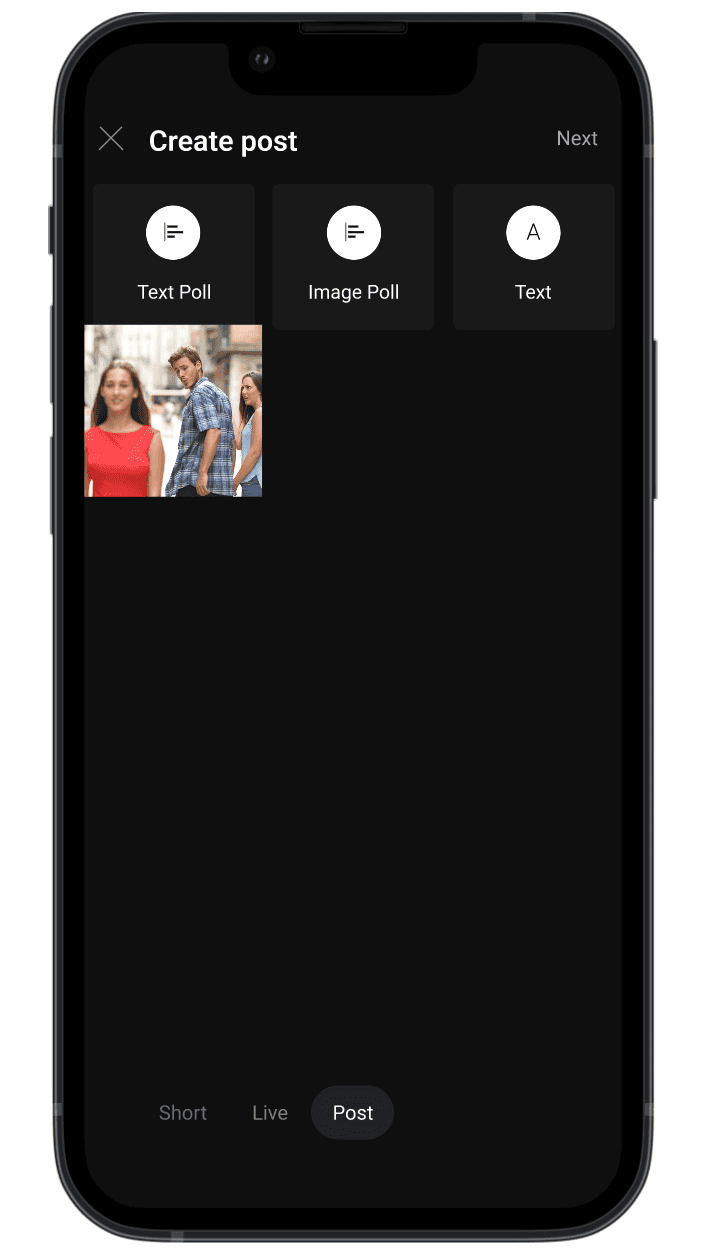
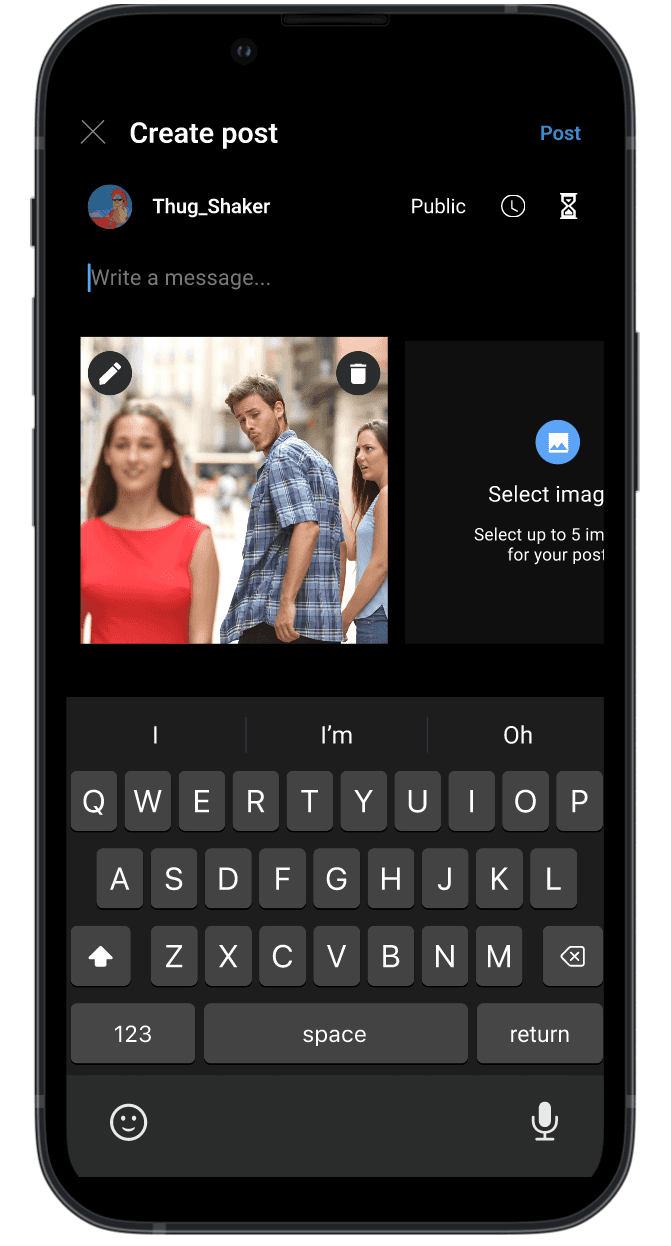
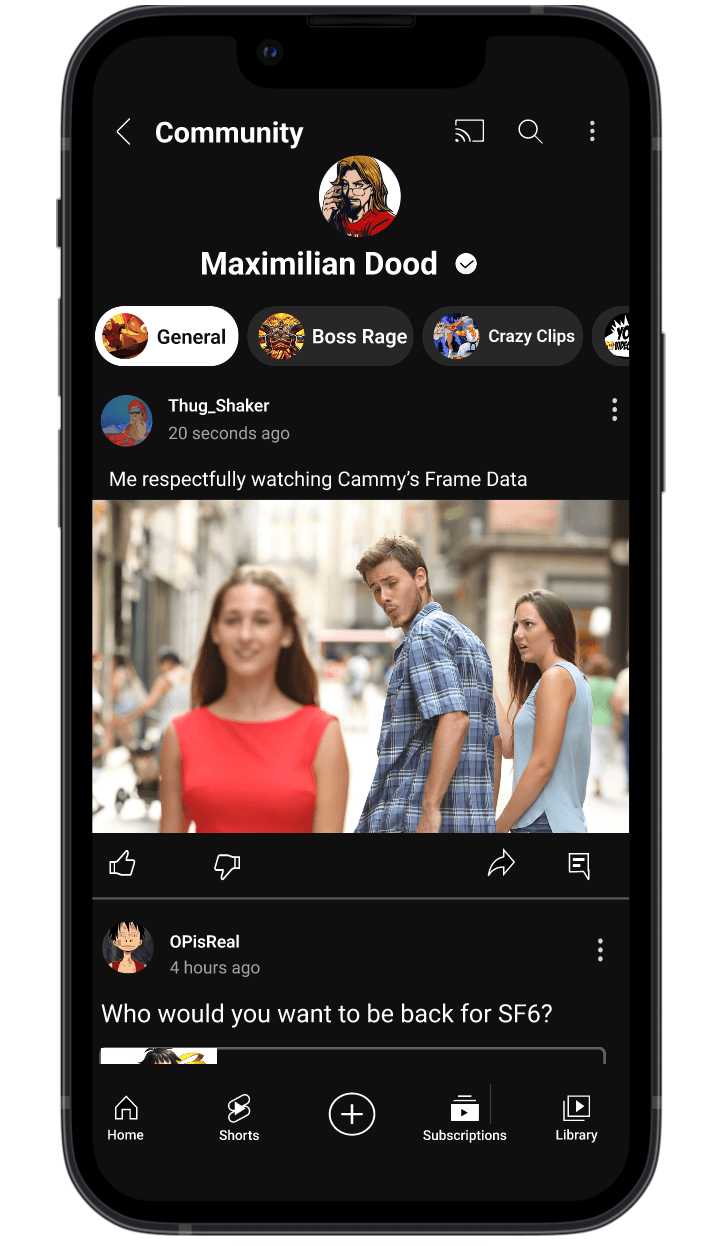
Subscription Feed
New Community Menu
New Post For Subgroup
Creating A New Post


Instant access to your prefer YouTuber's community straight from your subpage. Using the new View Community option, quickly view your preferred subgroups for new posts without the hassle.
YouTube Home Page
Subscription Feed
New Community Menu
Community Tab Main Page
Finalize Community Post
Resolution & Major Lessons
Balancing an existing design system with innovative ideas
Creating new designs in an established design system does not limit your ideas: constraints enhance your design thinking for innovative ideas for a cohesive user experience.
Accepting criticism and turning failed ideas into new opportunities
By relying on critiques from my user testing and insights from my design mentors, I was able to find blind spots in my designs that I never considered. Being able to transform feedback into improved solutions to address the user goals is the key to good design.
Being uncomfortable is the first sign of growth
This design challenge was my first deep dive into design tools and prototyping. Understanding the tools is only half of the puzzle: learning how to make these tools work for you requires patience and exposure. Developing a strong foundation helps to overcome any problem space no matter how complex.